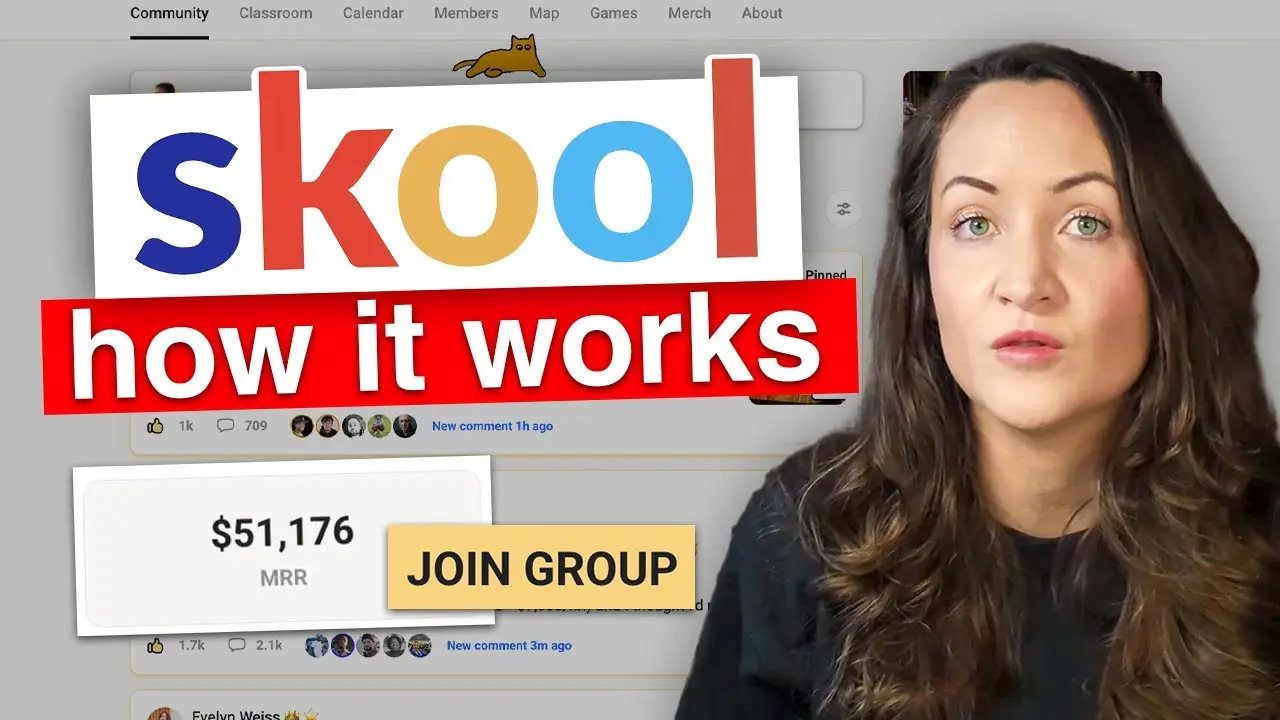
Skool Platform Guide: What Beginners Need to Know in 2024
If you’re new to Skool or considering joining the platform, understanding exactly what it is and how it works is essential before you dive in. In my video, I break down the complete fundamentals of Skool—not how to make money or grow your community, but what the platform actually is at its core and what you need to do after signing up.
This guide is designed specifically for beginners who are just getting started and have questions about the platform’s basic functionality.
I run multiple Skool communities, with my biggest doing $50,000 per month, and I’m also a major affiliate and investor in the platform, so I’ve seen firsthand how it works from every angle.
Why I Created This Guide
The reason I wanted to make this comprehensive breakdown is because Skool is growing rapidly, which is exciting to see. With this growth comes many new faces and naturally, lots of questions from people who are wondering how everything works at its very foundation. I made a post in the Skoolers community celebrating reaching $57,000 in total affiliate earnings from Skool, and I received numerous questions from newcomers asking for clarification on the basics.
Getting Started: Your 14-Day Free Trial
When you first join Skool, you sign up with a 14-day free trial. You’ll land on a page where you create your community and choose between a hobby plan and a pro plan. Both plans get you access to all the same features, so if you’re unsure, I recommend starting with the hobby plan. What makes Skool unique is that you’re getting three things in one: software, education, and community access.
The Software: Your Own Community Platform
The software you receive is your own Skool community, which comes with several powerful features. At the heart of your community is the forum or community tab, which functions similarly to Facebook where you and your members can make posts, comment, and engage. You can fully customize the categories in your community and sort posts accordingly.
In the settings, you have extensive control over your community. You can determine how much you want to charge, whether you want to charge monthly, annually, or as a one-time payment. You can set up rules for your community and even enable an affiliate program. For example, I’ve toggled on 50% affiliate commissions, which means if someone brings in a member, they receive 50% of the revenue.
The Classroom Feature
Your community also includes a classroom section where you can upload your content and resources. This is where you organize your educational materials, courses, and any training you want to provide to your members. The classroom structure makes it easy for members to navigate and consume your content systematically.
Calendar and Events
The calendar feature allows you to schedule and display upcoming events. In my community, I regularly host Q&A sessions that members can see scheduled on the calendar. This keeps everyone informed about live events and important dates without needing external scheduling tools.
Members and Community Features
In the members section, you can see everyone in your community and access the members map if you choose to enable it. This feature allows your members to find each other geographically and potentially connect in real life, which adds another layer of community building.
Gamification and Leaderboards
One of the standout features that makes Skool communities so engaged is the gamification system. The leaderboards show who the most active members are within specific timeframes. As members contribute more, they unlock different levels, and you can set incentives at various achievement points. Even without explicit rewards, this system naturally encourages members to engage more actively in your community.
Built-In Sales Funnel
Your community comes with a built-in sales page where you can add videos and images. This functions as a video sales letter funnel without requiring you to build separate landing pages or funnels. You can add concise copy, and potential members can purchase directly from this page, streamlining the entire enrollment process.
The Skoolers Community: Education and Support
Beyond your own community software, you also get access to the Skoolers community, which now has over 60,000 community builders. This is where everyone building their individual communities hangs out and helps each other. The Skoolers community has its own forum with amazing posts and shares, and particularly valuable content gets categorized as “gems,” which is an excellent place to start reading.
The Skoolers classroom contains a complete course on how the platform works. You can go through the training systematically to understand all the features and best practices. This is where I explain to newcomers that they should invest time in the 101 training section before asking questions that might already be answered.
The Skool Games
The classroom also includes information about the Skool Games, which Alex Hormozi brought to the platform. The Games showcase communities that have achieved the highest net growth over a quarter, with churn factored in. Winners get invited to Skool headquarters for special events where they’re celebrated, network with other successful community builders, and learn from each other.
Weekly Updates and Resources
Every week, Sam and Kirby host live sessions that you can add to your calendar. The recordings are shared on YouTube under Skool News, where you learn about new features being developed, what’s working for top performers, and updates about the platform. This consistent communication ensures you’re always aware of the latest developments and opportunities.
Another valuable resource is the Skool Stories podcast, which features interviews with people who have found success on the platform. These stories provide inspiration and practical insights that you can apply to your own community.
What Communities Can You Build?
One common misconception is that Skool is only for educational communities. While it’s excellent for that purpose, you can create communities around virtually any topic. For example, Laura Bull uses her community not just for education but to bundle the purchasing power of her students who are creating physical products like planners. Because she helps so many people create planners, she’s bundling purchasing power for about half a million pieces per year, giving premium members discounts at manufacturers.
Another creative example is the School of Mentors community, which brings in outside experts to share their knowledge. Rather than the founders being the sole experts, they facilitate the space and curate expertise from various professionals. This model demonstrates the flexibility and creativity possible with the platform.
My Recommendations for Getting Started
If I were starting from scratch with Skool today, here’s exactly how I would spend my time during the 14-day free trial. First, I would download the mobile app so I can access the platform on both desktop and mobile. Then I would focus on getting active in the community.
I would make sure to properly fill out my profile so people know I’m not a spammer and can make meaningful connections. During those first 14 days, I’d aim to keep my activity graph completely green by consistently engaging. Activities that impact your activity score include liking posts, commenting on posts, creating your own posts, and participating in polls.
Strategic Engagement
Rather than randomly scrolling, I would focus on reading posts in the “gems” category first, as these contain the most valuable insights. I would also make sure to read every post in the “temps” category, which likely contains timely and important information. When commenting, I would ask genuine questions if I don’t understand something or thank community members when their posts provide value.
Before asking my own questions, I would educate myself by going through at least the 101 training in the classroom and catching up on recent Skool News. This ensures I’m asking better questions that haven’t been answered repeatedly and are actually tailored to my specific situation.
Become a Great Member First
One of my most important pieces of advice is to become a great member before trying to become a great leader. Showing up in the Skoolers community as an engaged member helps you understand the platform, make meaningful connections, and potentially attract your first community members. I also recommend heading to the discovery page to find communities you’re personally interested in learning from.
Don’t worry if you’re concerned about costs—there are many free communities on the platform as well. Join several communities and experience them as a member. Go through the sign-up process, explore how they’ve laid out their classroom, see what they’re teaching, and observe the member experience. You’ll learn more through this hands-on experience than by watching ten more videos about how to grow your community.
The Most Valuable Action You Can Take
Before consuming more content about Skool, I encourage you to get your feet wet and actually engage with the platform. The most valuable thing you can do is show up in the Skoolers community and start participating. While I have many other videos on my channel about growing your community, the truth is that practical experience beats passive consumption every time.
Reading between the lines and modeling what successful community builders are doing will teach you more than any tutorial. The platform is designed to be intuitive, and by actively participating, you’ll discover features and strategies that work specifically for your situation and goals.